On Fire TV and Android TV
Straight back in
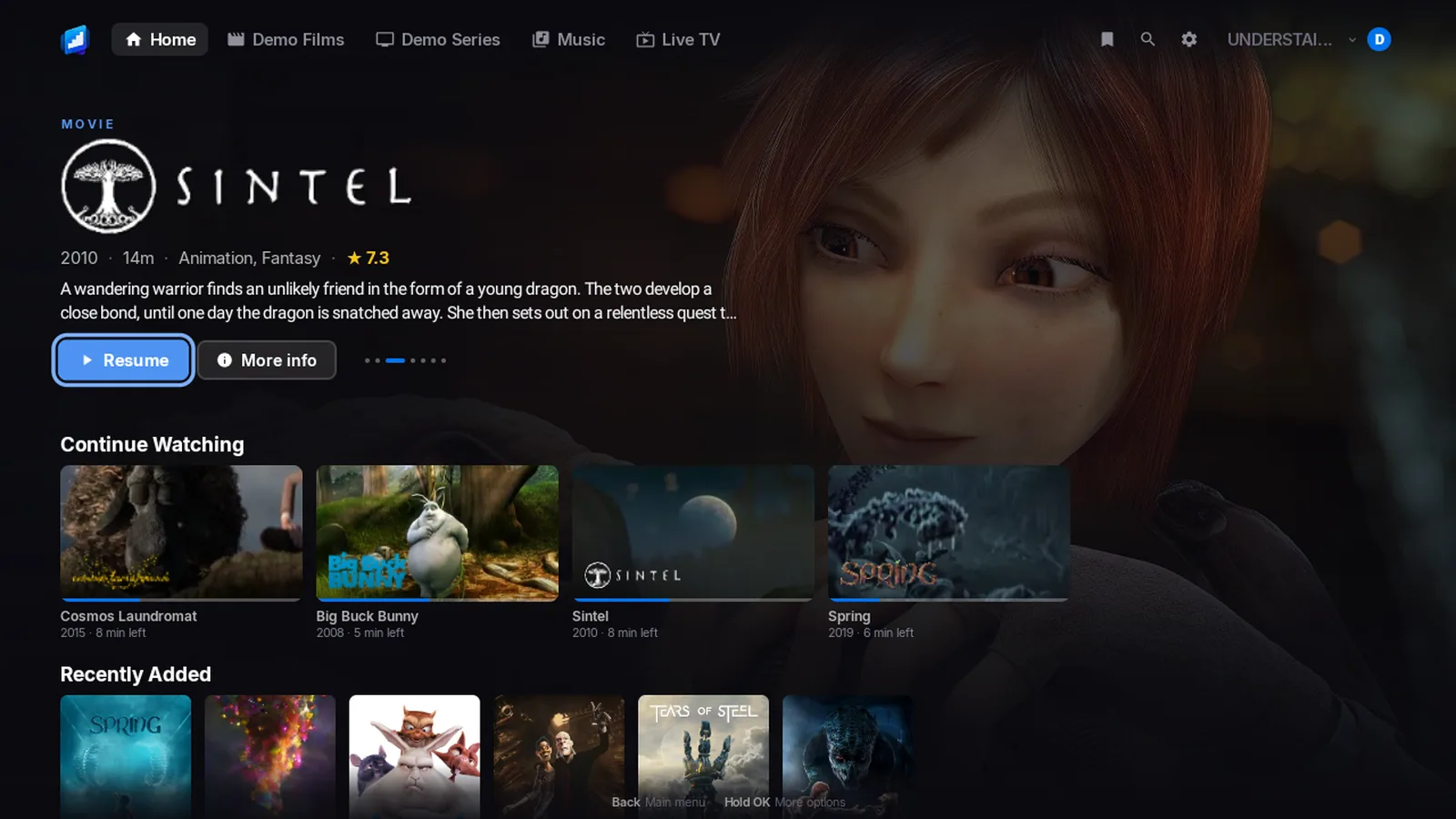
Home opens on what you were watching, and on the next episode of your shows.
Each one shows the title’s own logo. Press OK and it plays. There is no page to open first.
UNDERSTAIRS TV
Press OK on Continue Watching and you are back in the film. One TV app for Fire TV, and for Android TV and Google TV.
Preview film coming soonSintel, by the Blender Foundation (CC BY)
Pick your TV
The TV app is the same on both. Neither is in a store yet.
Reasons to buy
Each one says which apps have it. The small print is in Good to know, at the end of the page.
On Fire TV and Android TV
Home opens on what you were watching, and on the next episode of your shows.
Each one shows the title’s own logo. Press OK and it plays. There is no page to open first.
On Fire TV and Android TV
One press jumps over the intro. Another jumps over the credits.1
A Skip Intro or Skip Credits button appears on the screen.
On Fire TV and Android TV
The app asks your TV, stick or phone what it can play, and sends the film as it is.8
Your server converts only what your screen cannot play.
On Fire TV and Android TV
Dolby sound goes to your soundbar or TV exactly as it is. DTS does too.9
Prefer plain stereo? Switch it off in Settings > Sound.
On Fire TV and Android TV
Watch your server’s live channels and open the guide.2
Record a programme or a whole series. Start a live programme again from the beginning.
On Fire TV and Android TV
Everyone in the house gets a profile of their own, with their own history.
Add a PIN if you like.
On Fire TV and Android TV
Add Jellyfin, Emby and Plex side by side, and switch between them in a moment.
The app looks for servers on your network, so you may not need to type an address.
A look around
Scroll, and the screen changes with it. Everything shown is the app itself, using the Blender Foundation’s open films.
01
Home opens on a big banner, then Continue Watching and Next Up. Press OK on a film or an episode and it plays.
02
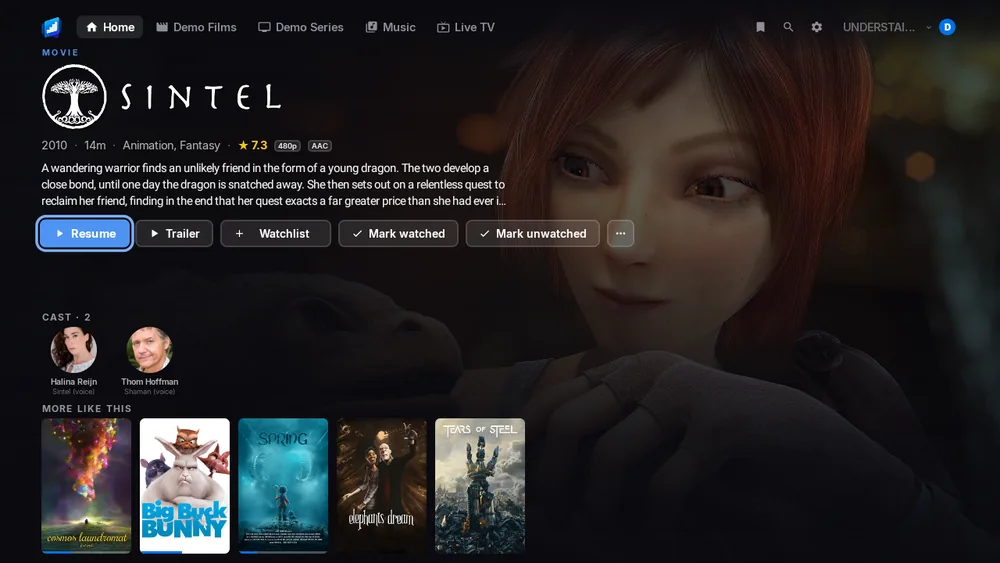
You see the artwork, the title’s logo, the cast and a short story. Play, Trailer, Watchlist and Mark watched sit right underneath.
03
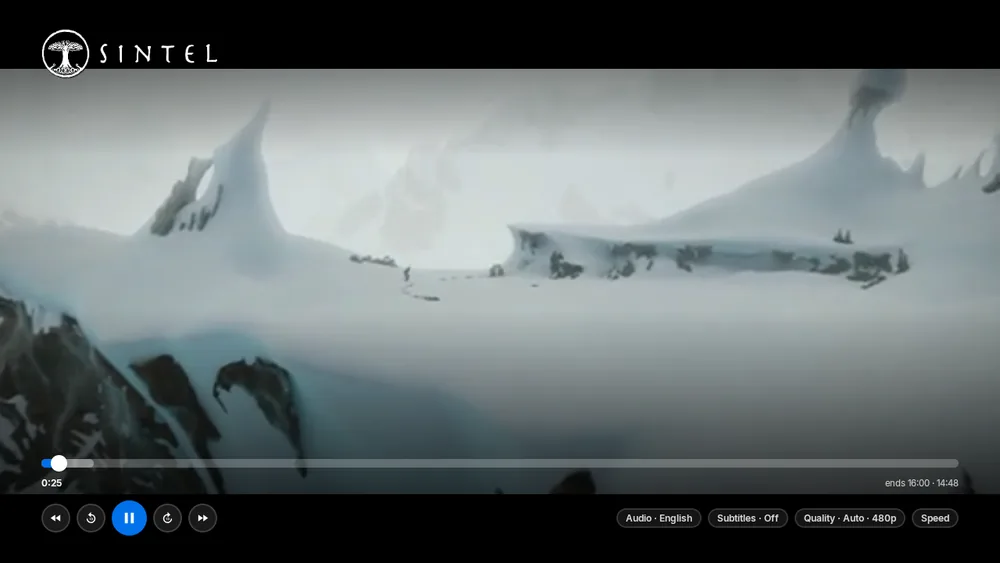
Pick your language, your subtitles or your quality from one bar. The app asks your TV what it can play, so your server converts only what it has to.
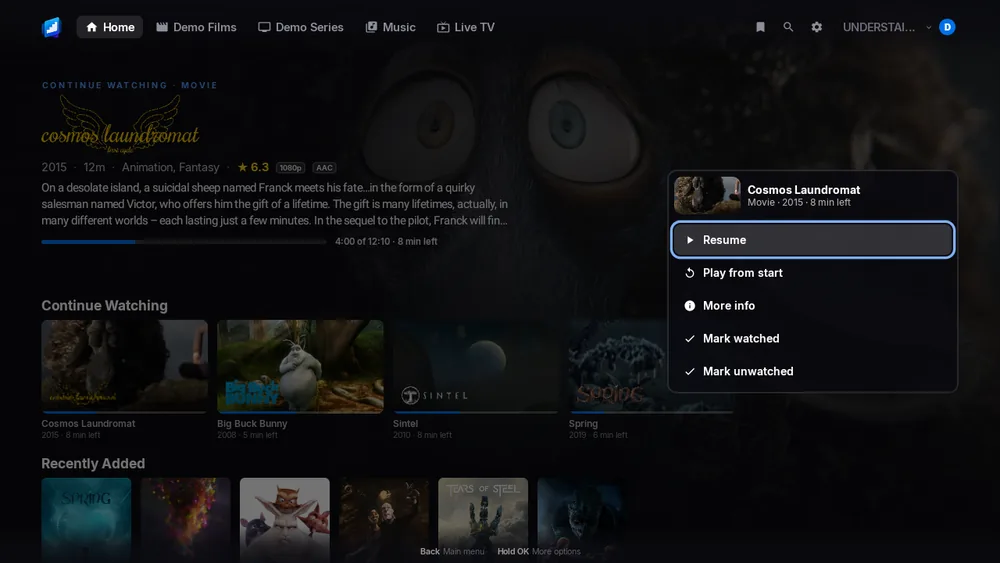
04
Hold OK on any poster and a menu opens with Play, More info and Mark watched. You never leave the row.
05
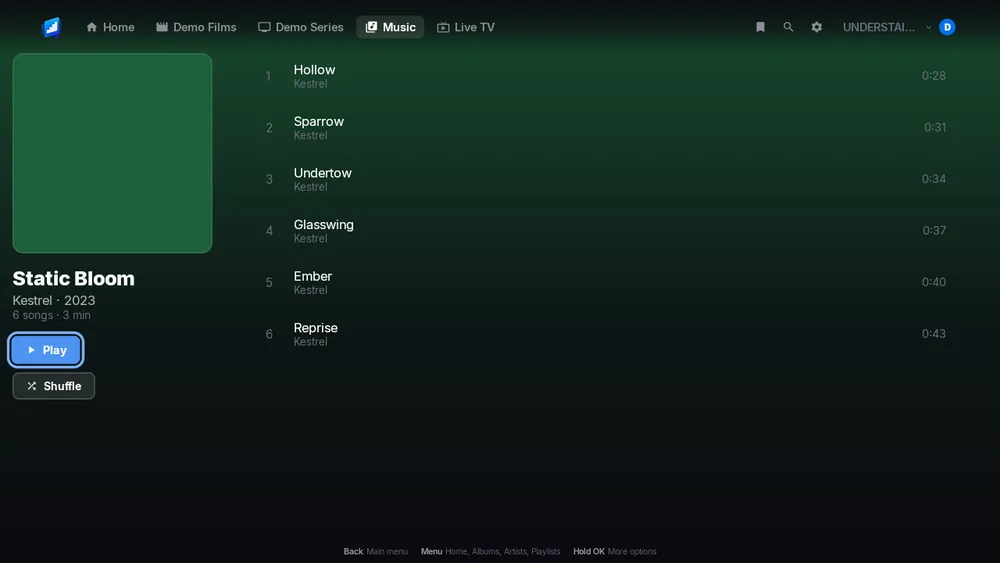
Open an album and press Play or Shuffle. Add songs with Play next or Add to queue.
Shown with the Blender Foundation’s open films.
Fire TV
It comes from the Amazon Appstore, on one listing. Your device gets the right version.
£1.99
Paid once. There is no subscription.
Amazon Appstore
Coming soon. Email us and we will tell you the day it is there.
A server of your own
A Jellyfin, Emby or Plex server that you run or are allowed to use.
Coming soon to the Amazon Appstore
A small number points to a note in Good to know, at the end of the page.
In the phone apps: Smart downloads, Downloads for offline and Notifications.
Android TV and Google TV
It is the same TV app as on Fire TV, so you get the same features. It is coming soon to Google Play.
Coming soon to Google Play, £1.99, paid once. Email support@understairs.tv and we will tell you the day it arrives.
Coming soon to Google Play
It is the same TV app as Fire TV. A small number points to a note in Good to know.
In the phone apps: Smart downloads, Downloads for offline and Notifications.
Your server
JellyfinEmbyPlex
UNDERSTAIRS has no films or channels of its own. It shows what is on your Jellyfin, Emby or Plex server, and talks to that server directly. You do not need an account with us.
With Jellyfin and Emby, type the address or let the app look for your server. With Plex, you approve a link code on plex.tv, so the app never sees your Plex password.
UNDERSTAIRS is an independent app. It is not affiliated with, sponsored by, or endorsed by Plex Inc., The Jellyfin Project or Emby LLC. Their names only say which servers it works with.
Questions
It works on Fire TV sticks, the Fire TV Cube and TVs with Fire TV built in. It is one app from the Amazon Appstore, and your device gets the right version.
The small print is under Good to know on the TV page, with the Fire TV devices it affects.
Yes. It is the same TV app as on Fire TV, made for Android TV and Google TV too. It is coming soon to Google Play.
Yes. UNDERSTAIRS shows what is on your own Jellyfin, Emby or Plex server. It has no films or channels of its own.
Until you add a server, you only see the sign-in screen.
Each app is £1.99, paid once, with no subscription: Fire TV, Android TV and Google TV, iPhone and iPad, and Android phone and tablet. Each store sells its own app, so each one is bought on its own. The iPhone app covers your iPad too, and Apple Watch and CarPlay come with it. None of them is in its store yet. Email us and we will tell you the day each one arrives.
Yes, if your server can be reached from where you are. A server you reach over the internet works like one on your own network. Films you downloaded to your phone play with no signal.
Nothing to us. It talks to your server, and to Plex if you use Plex. The privacy policy lists all of it.
The small print
Each note says who it affects, what you need, and why. The small numbers on this page point here.
Amazon runs these on its newer system, Vega OS. They are the Fire TV Stick 4K Select, the Fire TV Stick HD and the Fire TV Stick 4K (3rd Gen). Its other Fire TV devices run Fire OS. The app works the same on them, Sign in with Plex included. Here is what differs.